
MUNIS data can be exported for synchronization and reporting purposes using the standard Excel export functionality.
Export Process
-
Search for the applicants to export.
-
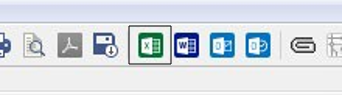
Select the Excel spreadsheet icon from the toolbar:
-
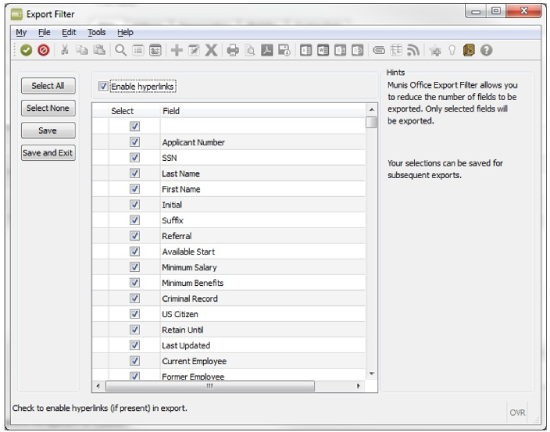
Select the fields required for the export.
-
Select Accept to generate the file.
-
Adjust column headings as needed.
If data from multiple MUNIS tables is required, a custom SSRS report may be needed.