From the Site Admin menu, select Schools.
Enter New School
-
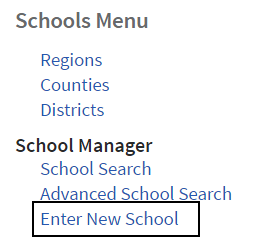
From the School Manager menu, select Enter New School to create a new one.
-
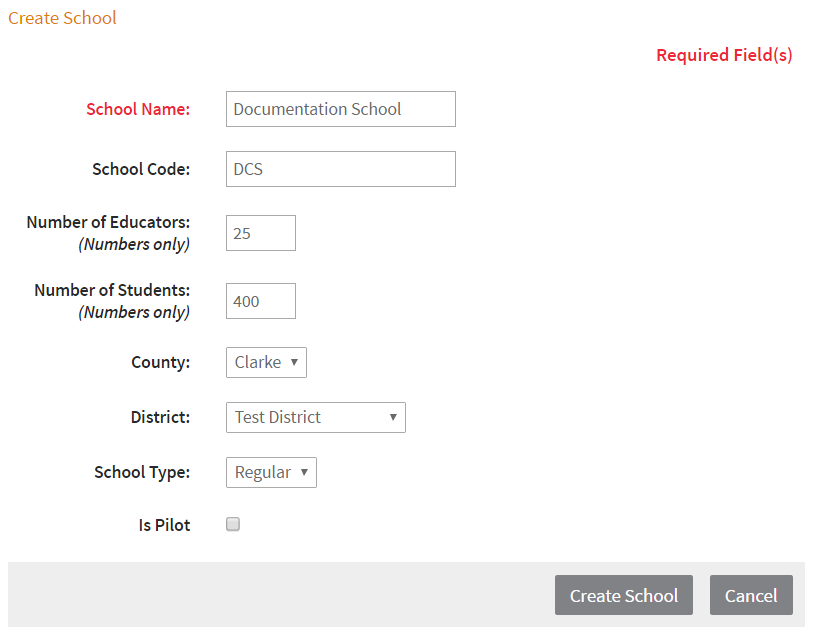
Complete the form, being sure to select the correct county and district.
-
Click Create School to save the new school.

Edit Current School
-
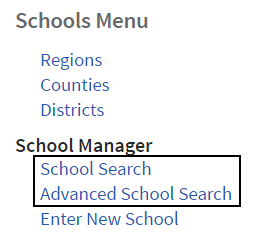
From the School Manager menu, select School Search or Advanced School Search.
-
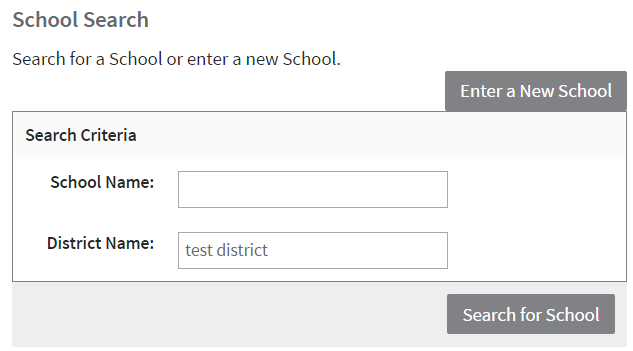
Use the search criteria fields to find current schools.
-
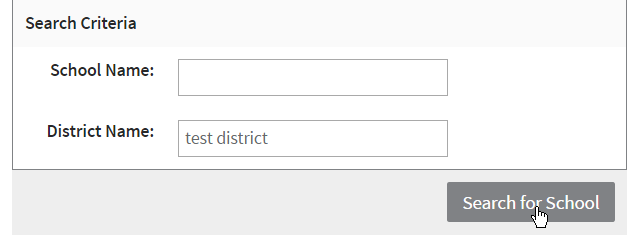
Click Search for School.
-
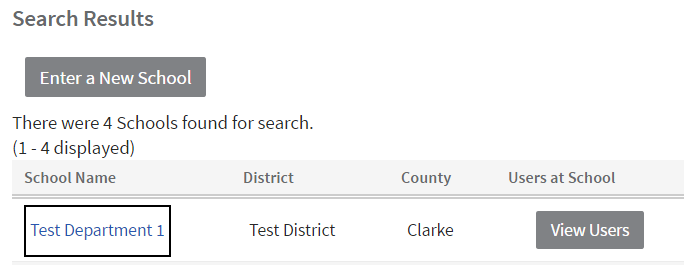
Select a school name to edit it.
-
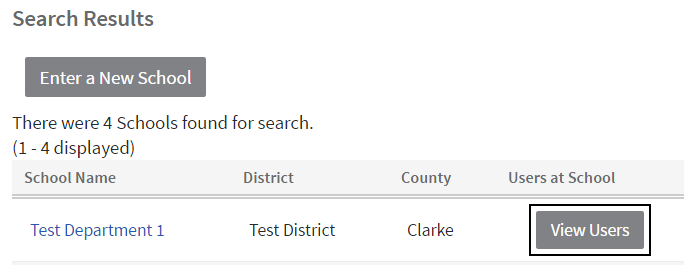
Click View Users to view all users currently assigned to the school.