View the Results
Which results you can view will depend what which components the Observer has shared with you. (If any results are not shared, you will see a notification.)
Details
- Click the Details tab to access the observation details.
View observation dates, Observers, and other read-only information.
Evidence Session
- Click the Evidence Session tab to access the evidence sessions.
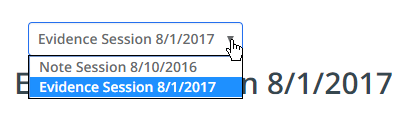
- View the read-only evidence session notes made by the Observer. If multiple sessions are available, use the drop-down to select a session.
Ratings
- Click the Ratings tab to access the observation framework.
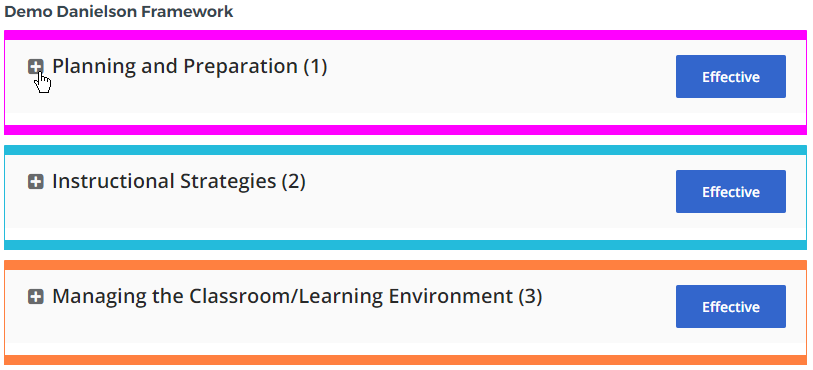
- For each level of the framework preceded by a plus (+) icon, click anywhere in the box to show/hide the levels below it.
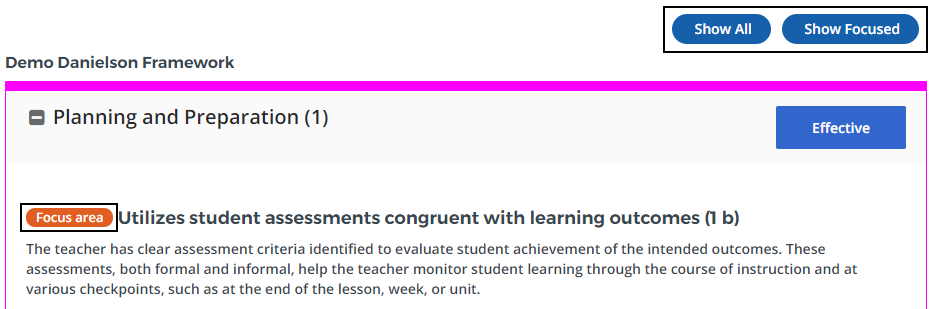
- You can toggle the view to show all elements or only focus areas using the buttons at the top of the screen.
- To identify your ratings, locate the highlights for each element.
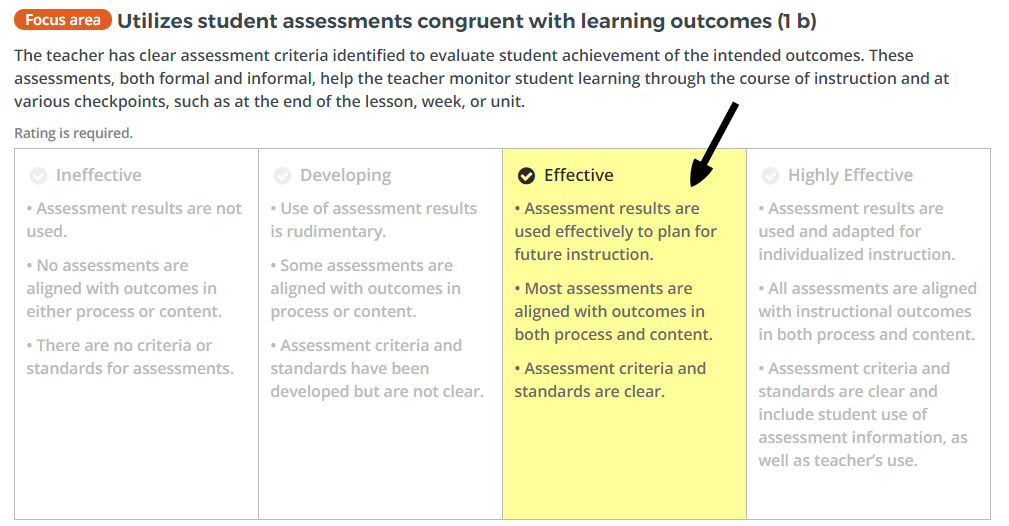
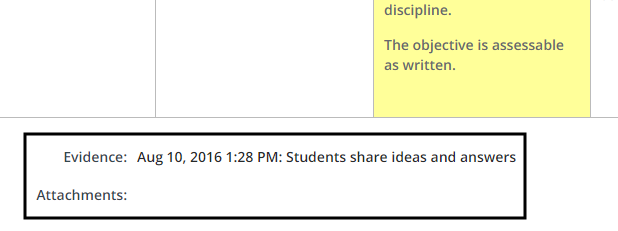
- If enabled for this observation, evidence appears below the ratings for each element.