
Create PDF for Observees
To access a PDF that can be printed and saved, select Create PDF. Select the elements of the observation you want to include by clicking the toggle buttons to Yes. Then select Create. A PDF will appear that can be printed and saved.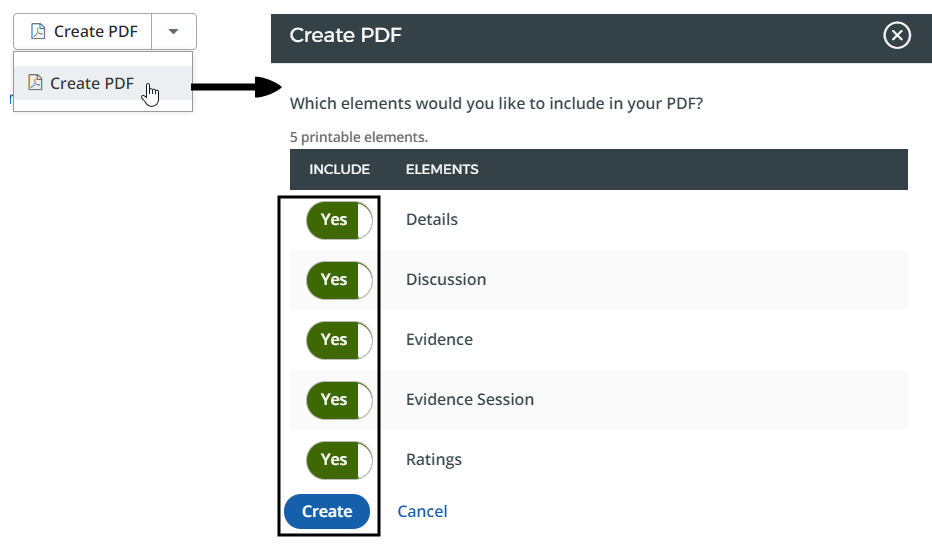
For security reasons, you may want to exclude Employee IDs from the PDF. To do this, follow these steps:
- Navigate to Administration > Configuration Management.
- Select New Observation and select New Observation.
- Scroll to the New Observation Printout Settings section and select Edit.
- Deselect the Include Employee ID in Observation 3 PDF option.
- Select Save.