
Acknowledge Observation
Once an Observer finalizes an observation, it will require your review and acknowledgment. This task will appear in the Requires Your Attention box. Click on the link to review the observation.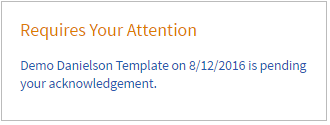
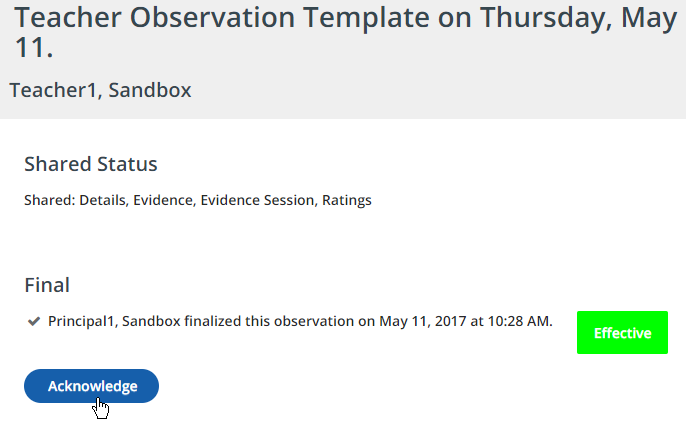
- Once you have reviewed the observation, click Acknowledge.
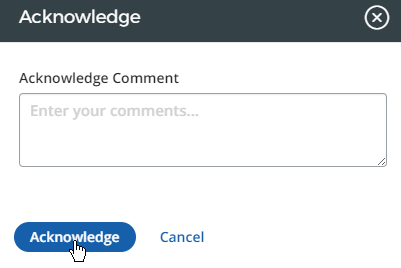
- In the pop-up window, enter any comments, then click Acknowledge again.
- Your acknowledgment will be timestamped.