
Sample Ratings Activity - Observation / Walkthrough (New Tool)
If your organization is using the new observation tool, the Evaluator will either link to a completed observation or launch the new observation tool using the Start or Schedule buttons.
Evaluator
- Locate the activity for observation and click on the link.
- You have the following options from the activity screen.
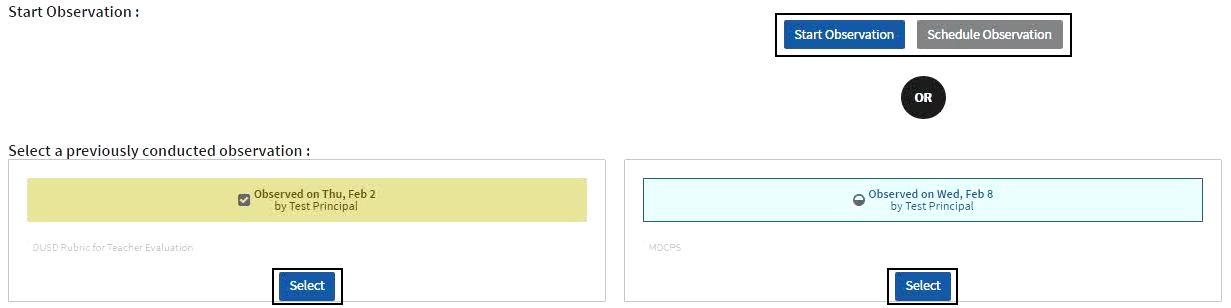
- Start Observation - access the new observation tool to begin an unscheduled observation.
- Schedule Observation - access the new observation tool to schedule an observation.
- Select - associate an observation already in progress or completed via the new observation tool; depending on the activity type, you may be able to select one or multiple observation instances.
- Click Back at the top of the screen to return to the evaluation plan.
Evaluatee
- Locate the activity for observation and click on the link.
- The associated observation conducted via the new observation tool will be listed. Click the link to view the observation. Depending on the activity type, you may see one or multiple observation instances.
- Click Back at the top of the screen to return to the evaluation plan.

For more details on using the new observation tool, see the Observation User Guides.