
Details for Observations
- Click the Details tab to access the observation details.
Update the Observers, viewers, and observation date as needed.
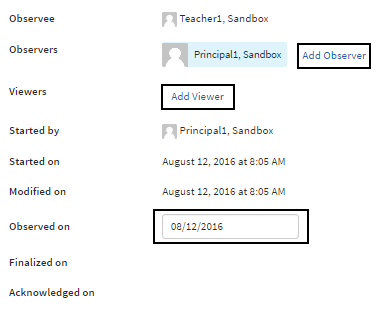
If an observation was scheduled for a particular date, that date will be reflected in the Observed on field no matter when an Observer starts the observation. You can modify the date in this field to reflect the true observation date.
- Complete any additional form fields for this observation.
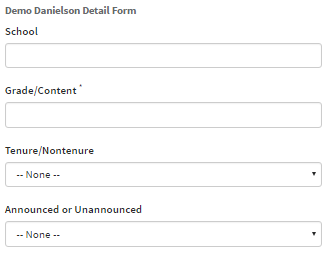
- All input is saved automatically.
